Since March 2021, the Crypto.com platform has launched its own platform dedicated to non-fungible tokens (NFTs) with the aim of offering the best possible user experience. The Complete Crypto.com NFT Marketplace Guide: How to Buy, Sell and Collect NFTs.
What is Crypto.com?
In short, Crypto.com is one of the leading exchanges. centralized cryptocurrencies in the world. Founded in 2016, it offers buying, holding and staking services. on more than 150 crypto assets and has a flagship offering, namely its Visa crypto card.
With presence in almost 100 countries worldwide and community over 70 million usersCrypto.com has become an integral part of the cryptocurrency industry. The main competitor of Binance, FTX or Coinbase, the platform is distinguished by large-scale partnerships.
Continuing its phenomenal expansion, Crypto.com recently received a Digital Asset Service Provider Registration (PSAN) issued by the Autorité des Marchés Financiers (AMF) in France. This is an important step in the company’s compliance process in Europe.
Among the many centralized exchanges on the market, Crypto.com was the first offer a non-fungible token (NFT) market.
Crypto.com’s goal is simple: to establish itself as flagship platform for NFTs. To this end, the company pays special attention ease of use as well as ergonomics your interface. Moreover, in order to reach as many newbies as possible, Crypto.com even decided to offer the option to buy NFTs with a credit card.
👉 Find our full presentation of the Crypto.com ecosystem
There are several ways to buy NFTs on Crypto.com, but the easiest is through the secondary market.
To access it, go to the Marketplace tab. Browse through the many collections available at your leisure, and once you like an NFT, you just have to click on it to display it.
The marketplace provides a wealth of information about this NFT, namely the number of people who have seen and liked it, the blockchain it is based on, its creator and associated collection, and its price. There are two purchase options. Depending on the seller’s choice, you can bid on the auction or buy directly.
In the case of a direct purchase, simply click the “Buy” button to proceed with the transaction. Moreover, if the advertised price does not suit you, you have the opportunity to offer a new one by selecting “Make an offer”.
In the case of an auction, click “Bid” and select the amount you want to place. Logically, this should be more than the previous auction. Don’t panic if someone deposits more than you, your funds will return to your portfolio.
Crypto.com NFT Marketplace
In order to access the Crypto.com NFT trading platform, you first need to register on the platform. To do this, download the application from the App Store or Google Store, depending on your mobile phone. Here is a link allowing you to access it directly and also offering you $25 on your first deposit:
The most complete offer of crypto cards
$25 credited to your account with code CRYPTOAST

Once inside the app, click “Register” and enter your email address. You will receive a confirmation link at this address, which you must click to continue. At this point, enter your phone number and click Send Verification Code. Enter the verification code you received in the message.
Then all you need to do is complete the verification of your identity (KYC) step, which is required for any platform that has a PSAN registration. Enter your personal details (last name, first name, ID card and selfie) and then wait for confirmation on the side of Crypto.com. You will be informed by email within a few hours.
How to access the Crypto.com NFT trading platform?
In order to go to the Crypto.com NFT platform, you will need to open your application, then scroll through the main menu and finally click on the “NFT” button as shown below:
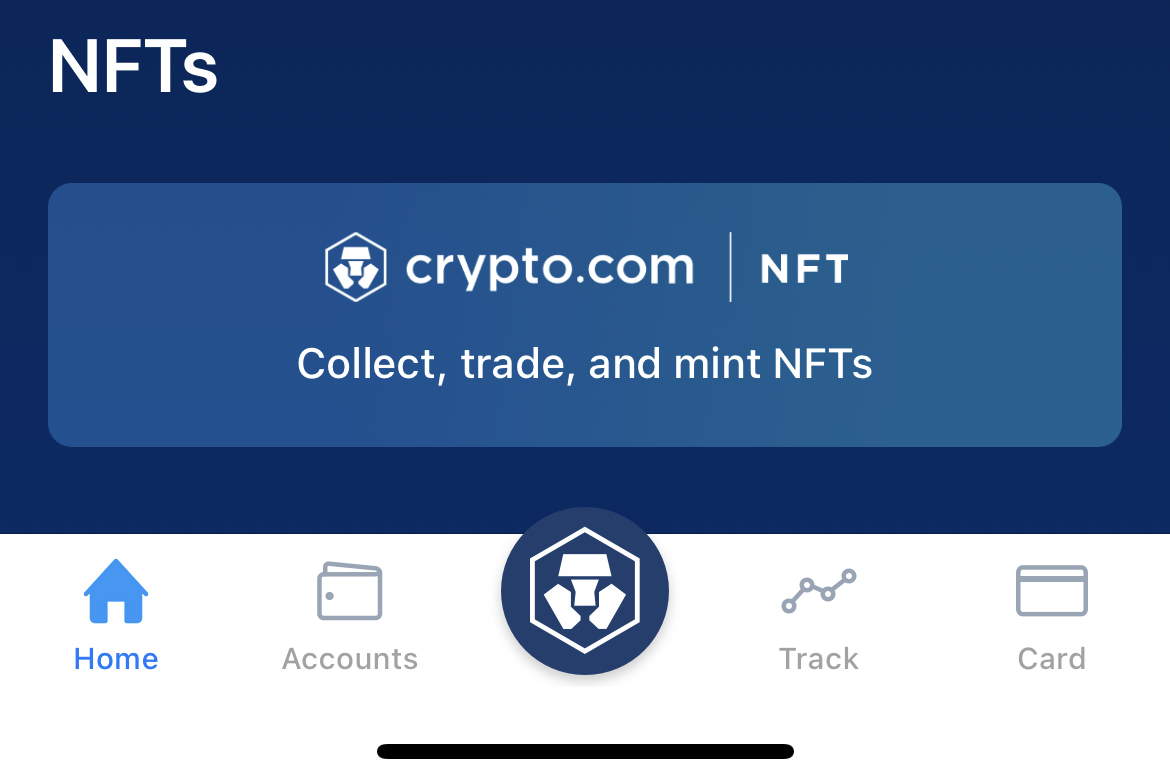
The first time you log in, you need to create an account dedicated exclusively to the Crypto.com NFT platform. A wallet will be created in your name, and it will be possible to credit funds to it from the home page for making purchases.
From there, you’ll see three different categories: Drops, Collections, and Marketplace. The Drops tab allows you to view the next collections of NFTs that are ready to be launched. If you click on one of them, you will have access to full details on the launch date, creators, and of course, the mint price.
In the field “Collections” you will have a complete table of popular NFT collections. It will be possible to sort by the lowest price and by sales volume, and in different periods of time (daily, weekly or monthly). This feature is widely used to assess current market trends.
Finally, the Market tab gives you an overview of the latest NFTs listed on the Crypto.com marketplace. This is where you will need to click to discover the various works available for purchase, access your profile, and list your own NFTs for sale.
Discover NFTs of the biggest brands
Buy, sell or trade NFTs
How to mint NFT on Crypto.com?
If you want to get NFT on the Crypto.com platform, you have the opportunity to take part in the launch of the project by minting it. In the “Drops” tab, you will have access to all the collections that will be launched soon.
By clicking on one of them, Crypto.com will show you all the important information about the project, namely links to social networks and the website, description, roadmap, and even sometimes a video presentation of the projects. The counter shows you the time left until the official launch of the mint.
Once the mint is open, you just need to click the “Mint” button and confirm the transaction. From there, the NFT will be stored in your wallet and displayed directly on the Crypto.com app.
How to list NFT on Crypto.com?
If you want to sell your NFT on the Crypto.com marketplace, you must click on the button corresponding to your profile, located in the upper right corner of the screen. Then by clicking “My Profile” you will have access to all the NFTs you have on Crypto.com. Click on the one you want to sell and then on “Sell” as shown in the image below:

As mentioned above, you will have access to two methods to sell your NFT. The “Fixed Price” tab allows you to set a fixed sale price, while “Auction” is an auction. For this second option, you will need to enter a minimum selling price and an end date for the auction.
Our opinion on NFT trading platform Crypto.com: 4/5
How to register on Crypto.com?
Signing up with Crypto.com is very easy. Just download the mobile app on your smartphone. Then all you have to do is enter your email address, define a secure password, confirm your first mailbox connection, verify your phone number, and verify your identity. Finally, all you need to do is determine the PIN rating for accessing the application.
How to register on Crypto.com NFT?
What are the Crypto.com NFT fees?
Crypto.com charges a fee of 1.99% on all transactions made on its platform. This is a common custom found on other marketplaces such as OpenSea or Rarible.
Where are my Crypto.com NFTs stored?
Crypto.com’s own NFTs are stored on the Crypto.org Chain. However, the market is compatible with some collections of Ethereum, Polygon, Solana and Cronos blockchains. To learn about them, visit their website.
Discover NFTs of the biggest brands
Buy, sell or trade NFTs
Newsletter 🍞
Receive crypto news roundup every Monday via email 👌
What you need to know about affiliate links. This page presents assets, products or services related to investments. Some of the links in this article are affiliated. This means that if you buy a product or register on the site from this article, our partner pays us a commission. This allows us to continue to offer you original and useful content. It won’t affect you and you can even get a bonus using our links.
Investing in cryptocurrencies is risky. Cryptoast is not responsible for the quality of the products or services provided on this page and cannot be held responsible, directly or indirectly, for any damage or loss caused by the use of a product or service mentioned in this article. Investments related to cryptoassets are risky, readers should do their own research before taking any action and invest only within their financial capacity. This article is not investment advice.
AMF recommendations. There is no guaranteed high return, a product with high return potential implies high risk. This risk should be in line with your project, your investment horizon, and your ability to lose some of those savings. Do not invest unless you are prepared to lose all or part of your capital.
To learn more, read our Financial Statement, Media Transparency and Legal Notices pages.

As a Cryptoast journalist, I strive to break down every detail of the exciting world of cryptocurrencies and make it accessible and understandable to as many people as possible.
Lilian Aliaga
293 items