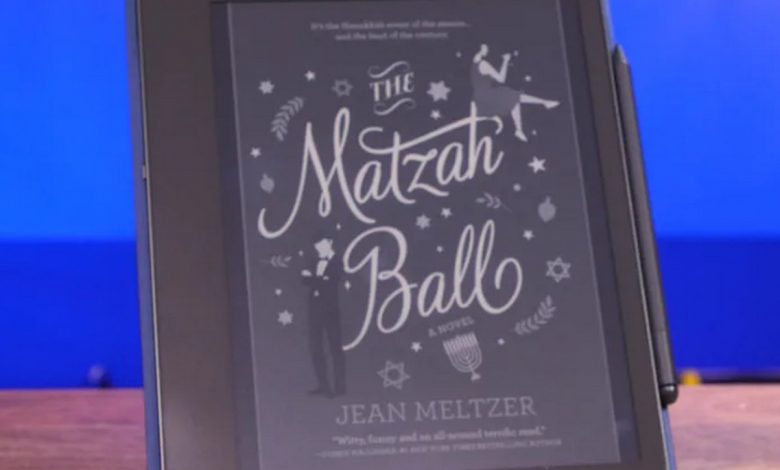
When Amazon announced Kindle Scribe, its new 10.2 inch eink wide format ereader, many were excited. The Scribe wasn’t the first E Ink touchscreen digital laptop to feature a stylus, but Amazon brought the precision of stylus input to its Kindle line for the first time.
But this hybrid experience comes at a cost. Kindle Scribe 16 GB with a standard stylus costs 369.99 euros, the version with a premium stylus costs 399.99 euros. The 32 GB model with a premium stylus costs 419.99 euros. The same 64 GB version costs 449.99 euros.
After a week of using Kindle Scribe, we can say that this is the first Great large format ebookalthough software and feature updates can certainly improve it.
First, the Kindle Scribe is significantly larger than the Kindle Paperwhite. The design is somewhat reminiscent of the Kindle Oasis, only without the page turning buttons and waterproofing. We find the same flush front design with a recycled aluminum finish.
This is the only 10.2″ ereader with a high resolution 300 ppi Eink screen. With a thickness of only 5.8 mm, it weighs 433 grams. For comparison, Kindle Paper Whiteweighs 205 grams, and the new Kindle 202) 158 grams.
You can use Scribe with one hand, but not for long periods of time. For long reading sessions, it’s best to place it on a table and tilt it with an object, or ideally buy a case with a builtin kickstand. Amazon offers several models of cases with prices ranging from 62.99 to 109.99 euros.
The standard pen and premium model do not require power or a Bluetooth connection. . Instead, they use electromagnetic resonance technology that does not require recharging. The premium stylus has an eraser (turn the stylus upside down and press a button on the screen like a real pencil eraser) and a programmable button. It costs 30 euros more.
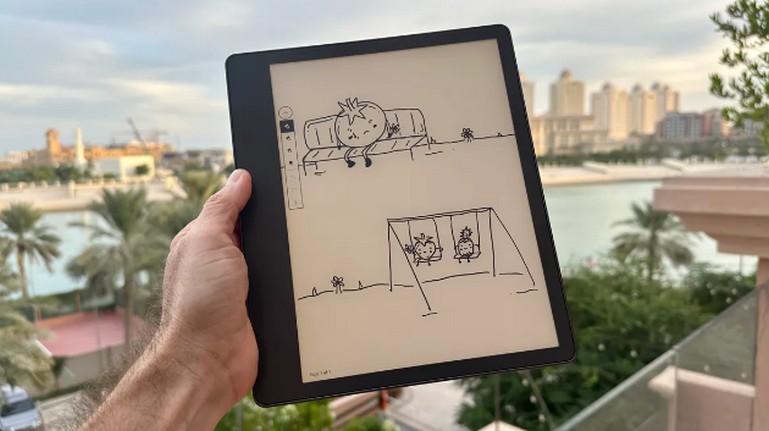
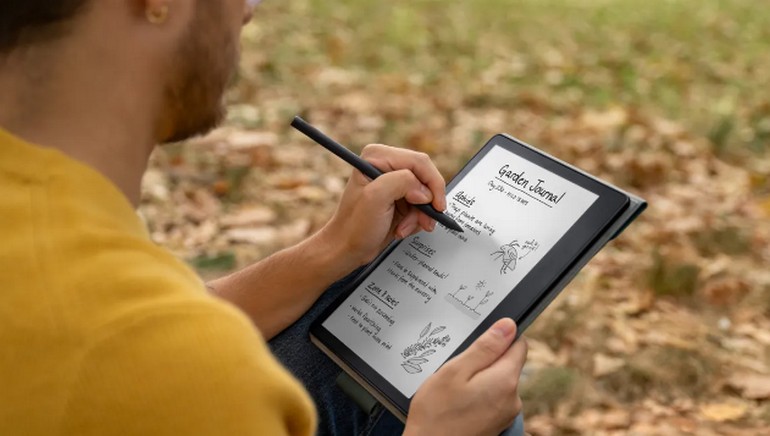
We tested a premium stylus that was very effective for handwritten notes and drawing on the screen. There is practically no delay, and the feeling is natural, like writing on a piece of paper, but with less friction. You can choose from five line weights and five marker weights.
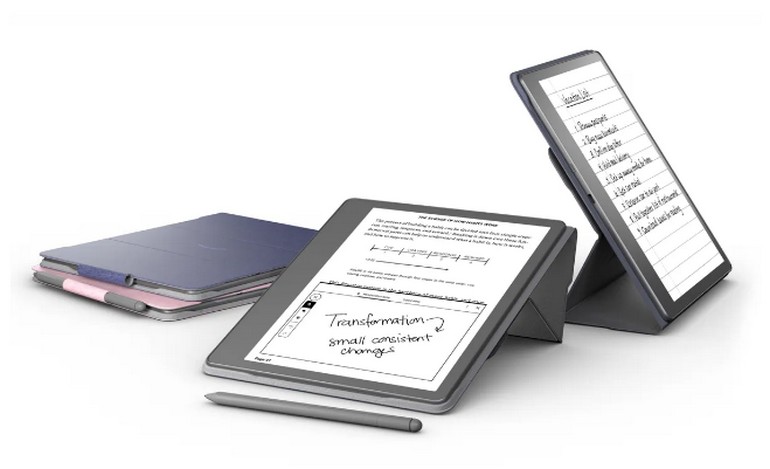
Large, clear display with uniform backlight
In addition to a 300dpi screen that displays text and images with good clarity, Kindle Scribe’s front lighting system consists of 35 LEDs. For comparison, the Kindle Oasis has 25 LEDs, the Kindle Paperwhite has 17, and the Kindle Paperwhite has 17. set on fire 4. The color temperature can be adjusted from a warmer sepia tone to a cooler bluish tone. Like other Kindles there is a dark mode for night reading.
Lighting uniformity is excellent, the touchscreen is very responsive, and overall eink reading performance is flawless.. Scribe uses the same Mediatek SoC as the Paperwhite. It can operate up to 2 GHz, but only for certain applications that require higher performance.
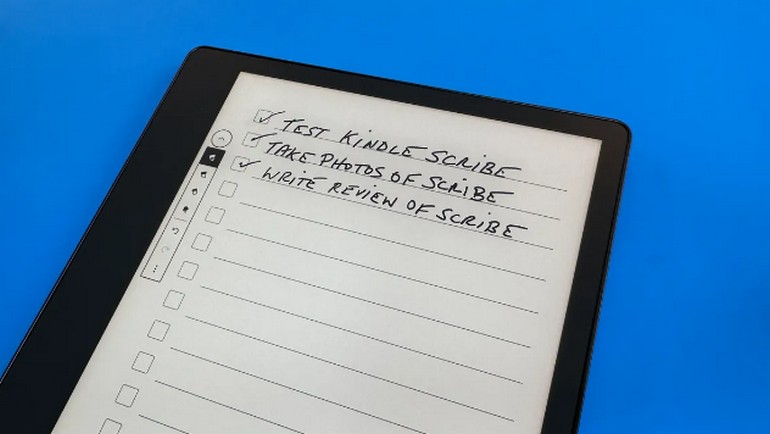
Advantages and limitations of notetaking
While the 9.7inch Kindle DX was discontinued ten years ago, Scribe is its spiritual replacement and
great choice for the visually impaired looking for a Kindle that can display more lines of text in larger fonts.
The only current shortcoming of the Scribe is thatyou can’t annotate Kindle ebooks or even DRMfree ePub ebooks. You must use the Amazon Notes feature. This involves tapping and holding the stylus on a word and then dragging to select the text you want. When you lift the tip, options appear to create a handwritten or text note, highlight a word or phrase, or send it.
Of course, it would be convenient to be able to make notes in the margins of the text and circle important sentences.
Currently, you can import various file formats and document types for annotation. He can be imported and written directly in PDF documents. The process for importing PDFs using Amazon’s Send to Kindle feature is very simple. It’s also easy to export files via email.
Unfortunately, annotating PDFs is not as easy or intuitive as it is on other eink tablets. Unable to customize font size or layout. You have to pinch to zoom in to enlarge or reposition the document. The problem is that the software does not support a custom zoom level from page to page. You have to fully zoom out each time to get to the next page, which can make reading long PDFs tedious.
You can import and create handwritten notes in Microsoft Word (DOCX, DOC), HTML, EPUB, TXT, RTF, JPEG, GIF, PNG and BMP text and image files, but not in manga, comics, graphic novels, magazines or newspapers. As with other recent Kindles, audiobooks can be listened to through the Audible (AAX) service with Bluetooth headphones or speakers. Amazon says it’s working with Microsoft to let you export a Word document directly from your computer to Kindle Scribe. This feature is expected to be available in 2023.
Whether you’re taking notes, drawing, or creating notebooks and journals, Scribe offers 18 models. This content can be organized into folders. Amazon says that in early 2023, laptops can be accessed on other devices using the Kindle app’s sync feature.
It’s all practical and thoughtful, but the most demanding users will quickly find the limits. For example, there is no way to insert equations or convert handwriting to text. Similarly, there is no help for drawing shapes or lines. We also regret the lack of support for Dropbox or any other third party service.
Conclusion
The big dilemma for many will be whether to buy a Kindle Scribe, or perhaps a new iPad or Samsung Galaxy Tab S. The iPad clearly offers many more features, better performance, and a highresolution color display. And you can obviously use it for taking notes if you buy an additional Apple Pen stylus.
Kindle Scribe is for those looking for a simple device with precise usage. This ereader has some leeway to evolve a bit with updates, some coming in 2023. Its big advantage over a tablet is its much longer battery life, which can be up to three months if used only as a reading lamp. And even with notetaking, autonomy is still a few weeks. Scribe charges via USBC cable (supplied). An AC adapter is sold as an option.
Finally, she offers a good compromise between a widescreen ereader and an eink tablet.
CNET.com article adapted by CNETFrance
Image: David Karnoy/CNET